Security Operations Center (GSOC): What It Is and How to Build One with AI
What a security operations center (GSOC) is, what it needs to work, and how to build one with AI on top of the cameras you already have.
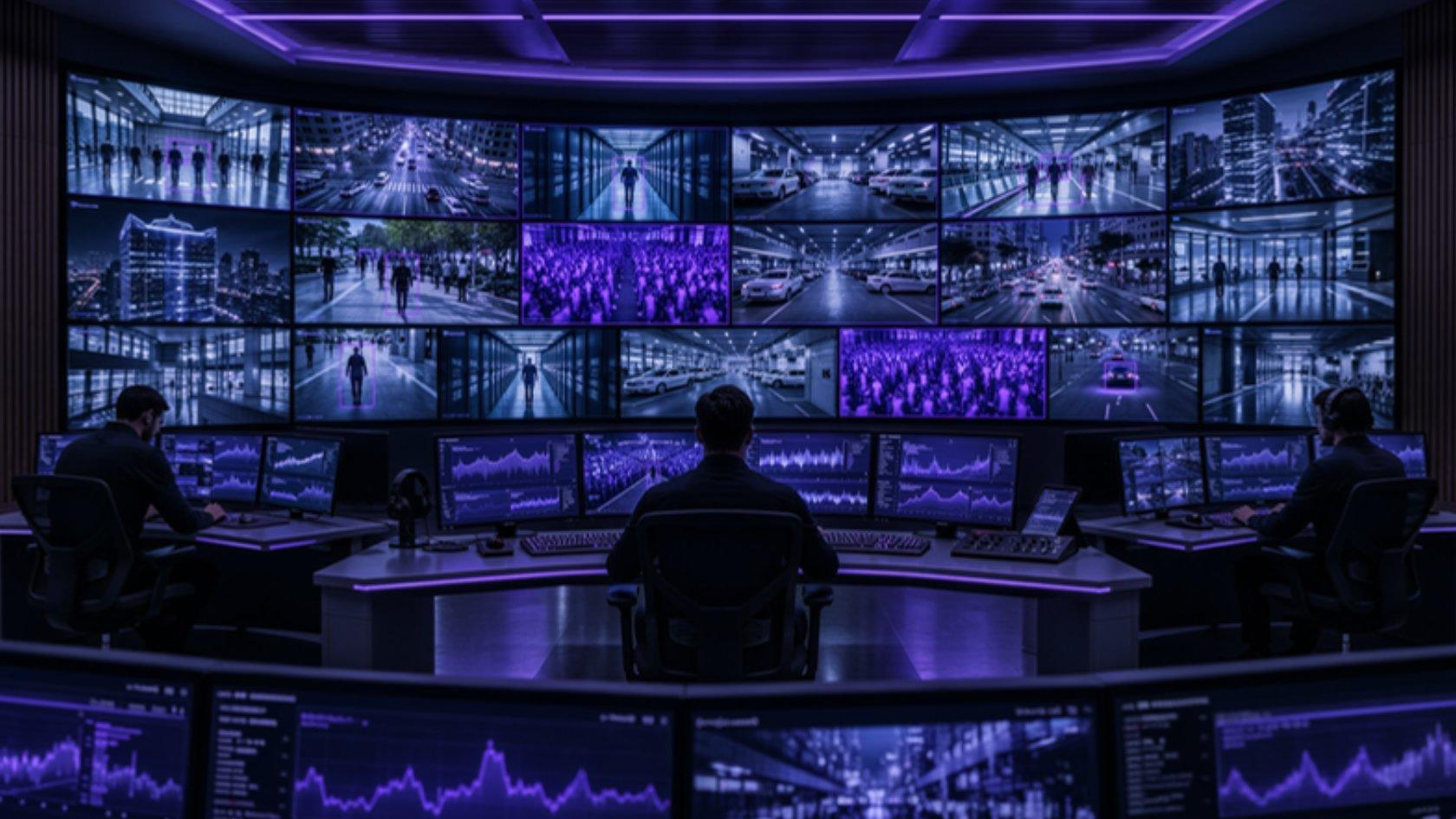
Short version: a security operations center (GSOC) is the place where a company brings together cameras, alarms, access control and people so it can see what is happening across its sites and respond fast. You no longer need a huge room with a wall of screens: with AI running on the cameras you already own, a small team can run a complete GSOC.
What is a security operations center (GSOC) and what is it for?
A GSOC (Global Security Operations Center) is a security control center that concentrates the monitoring of several sites in one place. Camera feeds, intrusion alarms, access control events and calls from field staff all land there. And someone there decides what to do about each event.
Large companies with operations in several countries have done this for years. But the idea works just as well for a retail chain with twenty stores, a group of corporate buildings, or a security company watching its clients' businesses. You will also hear it called a PSOC (physical security operations center) or simply a monitoring center. The name changes; the job is the same.
A good GSOC solves three things:
- Seeing everything in one place. No jumping between five different systems.
- Responding with a clear process. Each type of incident has someone who acts, someone who gets called and something that gets documented.
- Learning from what happens. Reports show where the same problems keep coming back.
Don't confuse it with a cybersecurity SOC. That one watches networks and servers; the GSOC watches people, doors, vehicles and physical assets. In large companies the two often sit side by side, but they are different jobs.
What does a security operations center need to work well?
Before buying anything, get the pieces straight. A working GSOC has five.
1. People with defined roles
Usually there are operators who watch and validate events, a supervisor who decides on escalation, and someone who coordinates with field staff. In small operations one person may cover two roles, but the roles should be written down.
2. Connected sources of information
Cameras, alarms, access control, panic buttons, guard rounds. The more sources feed one place, the fewer blind spots. To see how big the problem gets when every system works on its own, read why monitoring centers struggle to scale.
3. Procedures for each type of incident
"Person in a restricted area at night" is not handled like "door propped open for more than five minutes." Each case needs a short playbook: who gets called, how fast, and what evidence is saved.
4. Technology that filters out the noise
This is the most underrated piece. An operator cannot watch fifty cameras at once. Research on CCTV monitoring shows it: in a study by Donald and colleagues (2015, Applied Ergonomics) with 73 participants watching 90 minutes of video, only about half of the target behaviors were detected, and false alarms were high. Staring at screens for hours is tiring, and tiredness means missed events.
5. Records and reports
If an incident isn't documented, as far as management is concerned it never happened. The GSOC should leave evidence, response times and a summary that a non-expert can read.
How to build a GSOC step by step (without overspending)
This is the sequence we suggest to people who ask where to start.
Step 1: Define what you want to protect
Don't start with hardware. Start with questions: which site or zone hurts the most today? At what time do problems happen? What costs you money: theft, unauthorized access, incidents involving staff? Two or three clear answers tell you what to watch first.
Step 2: Take inventory of what you already have
Almost every company already has cameras and an NVR or DVR. Most of those cameras (Hikvision, Dahua, Axis, Bosch, Reolink and many others) speak open standards such as RTSP and ONVIF. That means you can add intelligence without replacing them. Replacing cameras only makes sense where the image truly is not usable.
Step 3: Pick the space and the minimum equipment
A GSOC does not need a movie theater. To start, a quiet room, two or three well-configured monitors per operator, solid internet and backup power are enough. The room matters less than the process.
Step 4: Put AI in front of the operator
This is where AI changes the math. Instead of a person watching every camera, the AI watches them all the time and shows the operator only what deserves attention. Closely, for example, runs on your existing cameras and uses multi-layer filters to cut false alarms by up to 88%. Try Closely on your current cameras and see how many useless alerts disappear in the first few weeks.
Step 5: Write the procedures and run a drill
Pick the five most likely incidents, write down what happens in each, and rehearse. A thirty-minute drill exposes more gaps than a week of planning.
Step 6: Measure and adjust every month
Three numbers are enough at first: how many alerts arrive, how many were real, and how long the response took. If false alarms pile up, review the rules. There is a useful guide on this topic about false alarm fatigue.
How does AI change the work of a GSOC?
In a traditional GSOC the operator watches and decides everything. In one with AI, the work is split:
- The AI watches constantly, without getting tired, and discards the noise (shadows, leaves, lighting changes, people doing their normal work).
- The human validates. When the AI flags something, a person confirms before anyone is dispatched.
- The system documents. Reports practically write themselves.
With Closely, for example, the Watcher agent detects events in real time, the Investigador agent lets you search recordings by typing what you are looking for in plain words (like "person in a red jacket in the parking lot yesterday afternoon"), and the Reporter agent builds the documentation. The operator still makes the call; they just stop losing hours on screens where nothing is happening.
The practical result is that one operator can cover many more sites. Closely supports up to 100 sites per operator, and that changes the math for a monitoring center. To see how it would look on your own cameras, request the free two-week demo at closely.dev.
Common mistakes when building a security operations center
After watching several projects, these are the most frequent stumbles:
- Buying screens before defining processes. A pretty room doesn't resolve incidents.
- Connecting everything without prioritizing. If a thousand alerts arrive on day one, the team stops looking at them.
- Forgetting the field staff. The GSOC decides, but someone has to get to the site.
- Not measuring. Without numbers you can't tell whether you improved or just changed tools.
- Ignoring privacy. In Colombia, Law 1581 on personal data applies, and Mexico and the United States have local and state rules on video and biometrics. Check with a lawyer before turning on features such as facial recognition.
How much does it cost and how long does it take?
We don't give fixed numbers because they depend on the number of sites, cameras and shifts. What we do see is that the path based on existing cameras and software avoids a large upfront investment in new hardware, and that a pilot on one or two sites is usually enough to decide whether to continue. Start small, measure for two weeks, then expand.
Frequently asked questions about the security operations center (GSOC)
1. What is a GSOC and how is it different from a regular monitoring center?
A GSOC is a security operations center that brings together cameras, alarms, access control and incident response for several sites. A traditional monitoring center usually just receives alarms and makes calls. The GSOC adds coordination, procedures and reporting for the whole organization.
2. What does GSOC stand for?
It stands for Global Security Operations Center. In practice the term is also used for centers that cover several sites inside a single country, not just international operations.
3. How many people do I need to set up a security operations center?
It depends on the number of sites and whether you run 24 hours. To start, one operator per shift and a supervisor covering escalation is common. With AI filtering the alerts, that minimum team can handle quite a few more sites than manual monitoring.
4. Do I need to replace my cameras to build a GSOC with AI?
Usually not. If your cameras or NVR support RTSP or ONVIF, a platform like Closely connects on top of what you have. You would only replace cameras whose video genuinely can't be read.
5. Is a GSOC only for large companies?
No. Large companies made it popular, but a retail chain, a property manager or a security company serving several clients can use the same setup. What matters is having several points to watch and a need for one place to make decisions.
6. What is the difference between a GSOC and a cybersecurity SOC?
A cybersecurity SOC watches networks, servers and digital access. A GSOC watches the physical world: people, doors, vehicles, facilities. Some large companies combine them into a converged center, but they are different disciplines.
7. How do I keep my operators from drowning in alerts?
Filter before the alert reaches the screen. AI with layered filters discards the noise (shadows, vegetation, lighting changes, normal movement), and rules are tuned by camera and by schedule. It also helps to measure every month how many alerts were real.
8. Does AI replace the operators in a security operations center?
No. The AI watches without getting tired and suggests what deserves attention; the person validates before dispatching. It is a human-in-the-loop setup where the final decision stays with the operator.
9. How can I look for a past incident in recordings without watching hours of video?
With natural language search. Instead of scrubbing through recordings by hand, you type what you are looking for, for example "white pickup entering through the loading gate," and the system finds the relevant moments. In Closely this is done by the Investigador agent.
10. How long does it take to get a GSOC with AI running, and how can I test it without committing?
A pilot on one or two sites can be running in a few weeks because it doesn't require installing new hardware. Closely offers a free two-week demo on your current cameras, so you can see real results before you decide.
The bottom line
A security operations center isn't defined by the size of the room but by having every source in one place, clear procedures and a way to filter out the noise. AI on top of the cameras you already own lets a small team operate like a big one. To see how yours would look, request your free demo at closely.dev and try it on your own cameras for two weeks.