Data Center Physical Security: The Complete 2026 Checklist
A data center physical security checklist: perimeter, access, AI video, racks and procedures. What to review and how to close the gaps.
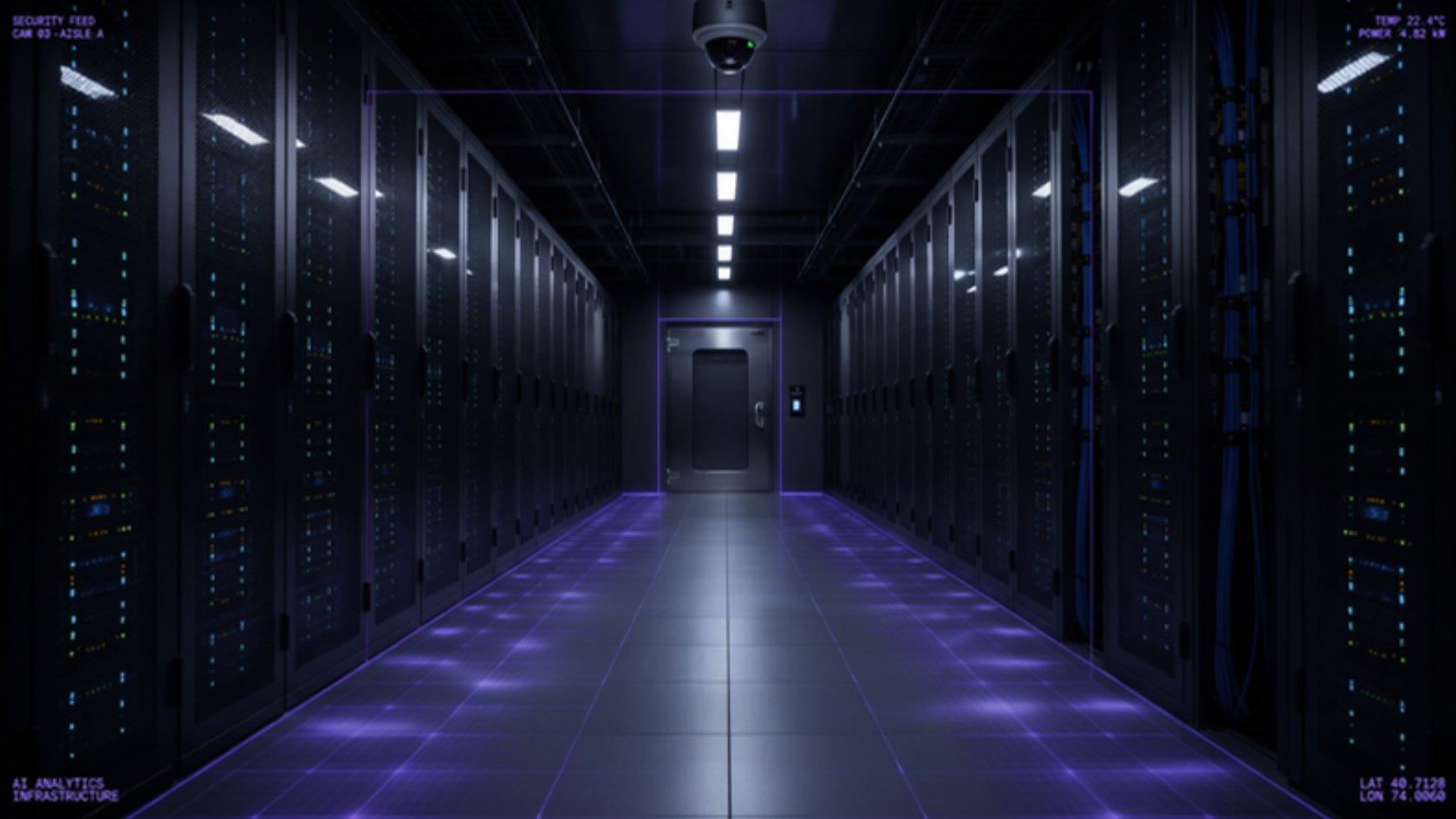
Short version: data center physical security works in layers: perimeter, building, server room and rack. If one layer fails, the next one has to stop the intruder. This checklist helps you review each layer, and AI on top of the cameras you already own lets you watch all of them without burying your team in false alerts.
Why does data center physical security matter so much?
Everyone talks about cybersecurity, but a server goes down just the same if someone walks into the room and pulls a cable. Data center physical security protects what's inside: equipment, customer data and service continuity.
And the topic is growing across the region. According to tracking by IIR, Colombia has 48 data center projects with a potential investment of US$3.43 billion. Chile holds about 15% of Latin America's data centers according to InvestChile, and Mexico has Querétaro as its main hub. More data centers means more sites to protect, often with small teams and remote operation.
The threats aren't only burglars. They also include the contractor who walks into an area that isn't theirs, the employee with too much access, the visitor who slips in behind someone else, and the simple human mistake of leaving a door open. That's why the approach is layers, not one strong lock. To see what AI monitoring would look like at your site, meet Closely at closely.dev.
How is data center physical security organized in layers?
Vendors and integrators such as Belden describe physical protection as a series of control layers: if an attacker gets past one, they still have to get past the next. We like that model because it's easy to audit. Here are the four layers and what to check in each.
Layer 1: Perimeter
The goal is to detect, delay and keep away anyone who shouldn't be there.
- Perimeter fence or wall in good condition, with no blind spots or overgrown areas blocking the view.
- Even lighting along the whole boundary, especially at vehicle entrances.
- Cameras covering the full perimeter and the entrances, with good night imagery.
- Vehicle control: gate with logging, barriers and a check of who comes in.
- Perimeter intrusion detection with real-time alerts.
- No signs advertising what's inside (a discreet data center draws less attention).
Layer 2: Building and reception
- One controlled main entrance, with a front desk and visitor log.
- Identity verification before issuing a temporary badge.
- Visible visitor badges showing date and authorized area.
- Emergency exits with alarms that can't double as entrances.
- Loading dock kept separate from the technical rooms.
Layer 3: Server room (white space)
- Zone-based access control, with permissions by person and by schedule.
- A mantrap or double door that prevents two people from passing on a single credential. Belden mentions it as a classic measure: the inner door doesn't open until the outer one has closed.
- Strong verification: card plus PIN, or biometrics, for critical zones.
- Cameras covering aisles and entrances, with recordings kept according to your policy.
- Tailgating detection: the system should warn you if two people enter on one credential. If this matters to you, see how AI access control works.
Layer 4: Rack and equipment
- Locked racks or electronic locks, with a log of who opens which one.
- A camera over the rack rows, not only at the room door.
- Control of tools, drives and storage media going in and out.
- A clear procedure for removing decommissioned equipment (wiping and sign-off).
What should you review in video surveillance and video analytics?
Many data centers have cameras, but few watch them well. A camera that records while nobody looks is good for investigating later, not for preventing the problem. Check this:
- Coverage without gaps: walk the site with the camera map in hand and mark blind spots.
- Image quality: at night, with backlight, and in narrow aisles.
- Useful alerts: rules by zone (person in an aisle after hours, door open longer than X minutes, loitering on the perimeter).
- Chain of custody: who can view, export and delete video, and how long it is kept.
- Camera health: a camera that's down is a hole in your defense.
This is where AI contributes the most. A person can't watch dozens of cameras without getting tired; in a 2015 study by Donald and colleagues in Applied Ergonomics, with 73 participants watching 90 minutes of video, only about half of the target behaviors were detected and false alarms were frequent. AI watches all the time and shows the operator what matters. Closely runs on your existing cameras (via RTSP, ONVIF or your NVR) and filters in multiple layers to cut false alarms by up to 88%. Try Closely on your data center cameras and see which alerts are actually worth your time.
Procedures and people: the part most often forgotten
Technology fails if the process is weak. Review:
- Who approves each access and how it's revoked when someone leaves.
- A periodic review of permissions (quarterly at minimum).
- Background checks for staff with access to critical rooms, as local law allows.
- Training for guards and operators on what to do for each type of alert.
- Intrusion and power-failure drills.
- A log of visitors and contractors, with escorts in sensitive areas.
- A written response plan: who gets called and in what order.
For sites with remote operation or thin staffing, it makes sense to consider a security operations center that watches several sites from one place.
How to close the gaps without rebuilding the whole system
If you found a lot of empty boxes while going through the checklist, you don't have to tear everything out. A reasonable path:
- Prioritize by risk. Room and rack access first, then the perimeter.
- Use the cameras you already have. Many can do more with software than with replacement, and you can connect Closely to your NVR with no new hardware.
- Turn on simple rules first. Person after hours, door held open, loitering.
- Measure every month. How many alerts came in, how many were real, and how long did the response take?
- Document. For audits and certifications, the record is worth as much as the control.
If you work with industry certifications or standards, check what they require for physical controls and ask the auditor for the guidance specific to your level. We don't assume a standard's requirements without seeing its text.
Frequently asked questions about data center physical security
1. What is data center physical security?
It is the set of controls that protect the building, rooms and equipment from unauthorized access, theft, damage or human error. It includes perimeter, access control, video surveillance, procedures and staff. It's designed in layers so one failure doesn't leave everything exposed.
2. What are the security layers of a data center?
The usual model has four: perimeter, building, server room and rack. Each adds a different control, so anyone who gets past one layer still faces the next.
3. What is a mantrap and what is it for?
It's a small vestibule with two doors where the second one won't open until the first has closed. It makes sure only one person passes per authorization and stops people from slipping in behind someone else.
4. Is an access card enough to enter the server room?
For critical zones, a card alone is weak because it can be lent, lost or stolen. It's better to pair it with a second factor such as a PIN or biometrics, and log every entry.
5. How many cameras does a data center need?
There's no fixed number; it depends on size and layout. The useful rule is to cover the full perimeter, entrances, aisles and rack rows without blind spots, and to verify with a physical walk-through.
6. Can I use my current cameras with AI in a data center?
In most cases, yes. If your cameras or NVR support RTSP or ONVIF, a platform like Closely connects without changing hardware. You'd only replace cameras whose image isn't usable.
7. How do I detect someone following another person into the room?
With video analytics on the doors that compares people counted against authorized entries and warns when two enter on one credential, backed by mantraps or turnstiles in critical zones.
8. How often should I review access permissions?
At minimum every three months, and immediately when someone changes roles or leaves the company. Forgotten accesses are one of the most common gaps and one of the easiest to close.
9. How do I keep my team from being flooded with false camera alarms?
With layered filters that drop the noise before the alert arrives and with rules by zone and schedule. Also measure each month what percentage of alerts were real and adjust the rules.
10. How do I test an AI platform in my data center without risk?
Ask for a trial on your current cameras and decide in advance what you'll measure: real alerts, false alarms and response time. Closely offers a free two-week demo on your cameras, with no proprietary hardware to install.
The bottom line
Data center physical security doesn't depend on one strong door but on several layers that reinforce each other and a team that knows what to do when an alert fires. Use this checklist to find your gaps, start with the riskiest ones and lean on AI over the cameras you already have. To see it working, request your free demo at closely.dev.